Welcome To Paradise
User Panel
Check your key or download its Key.txt again.
| Status | |
| Chat name | |
| Created | |
| Last online |
Keys never expire and work on any console.
Lost your key? Keys aren't tied to an email, but this browser remembers the last key you used. Otherwise, generate a new one.
Pick the name other players see next to your messages in the in-game Paradise chat. It used to cost $1, now it's free.
GTA Downloads
Don't have a key yet? Get one free on the free key page.
EBOOT.BIN
Pick the EBOOT for your console's firmware. They are all the same GTA V (BLES) game EBOOT, patched so it loads the Paradise SPRX.
DEX: Download DEX EBOOT.BIN
Debug signed. Only DEX firmware can run it.
HEN / CEX:
EBOOT A |
EBOOT B |
EBOOT C
HEN and CEX can't run debug signed EBOOTs, so these are retail signed. There are three because each one works on some setups and not others. Try them in order: start with A, and if GTA black screens or freezes on load, try B, then C. Keep the first one that works.
- EBOOT A: signed with the newer key set.
- EBOOT B: the same patched code as A, signed with the older key set.
- EBOOT C: the original HEN/CEX EBOOT, older key set and a slightly different patch.
Optional
The menu downloads these by itself. You only need them to restore the defaults by hand.
OPTIONAL: default_settings.xml
OPTIONAL: strings.txt
Please use the default GTA update.rpf with Paradise.
Paradise GTA
The Install Wizard can copy the files onto your PS3 for you, using webMAN or FTP.
Notes before you install:
- Make sure Cobra mode is enabled. This is needed for all Paradise named mod menus to run.
- Language support instructions can be found here.
HEN specific installation notes:
- Make sure you are on the latest HEN version with the latest version of webMAN. Some old versions may not work.
- If you patch syscalls and delete history with webMAN, please leave PS3MAPI enabled like in this picture, or you will blackscreen on load.

Install (DEX and HEN):
- Download the SPRX, your Key.txt and the EBOOT for your firmware from the Downloads tab: the DEX EBOOT on DEX, or HEN/CEX EBOOT A on HEN and CEX (try B, then C, if A black screens or freezes).
- Put the EBOOT.BIN at
/dev_hdd0/game/BLES01807/USRDIR/EBOOT.BIN(delete or rename/backup the old EBOOT.BIN). - Put the ParadiseGTA.sprx and Key.txt in your
/dev_hdd0/tmp/folder. Key.txt also works in/dev_hdd0/tmp/gopro_2027/. - Run GTA V and it should say "Welcome To Paradise!" (along with some other messages on the first load).
If it says "Key length short!" just reload the game. Sometimes that happens on the first run.
Post-installation freeze issues help:
- Paradise, by default, is incompatible with some update.rpf's. If you get a freeze during the loading screens, try signing out of PSN, then loading GTA. If that fixes the freeze, go to the settings submenu and select 'Un-Install Paradise Script Menus'. A more technical fix is to modify gameconfig.xml.
- Make sure you are on DEX (or HEN, CEX should convert to DEX). Run the 'Rebug Toolbox' homebrew and click 'System Information'. Make sure 'LV2 Kernel' and 'Target Type' both say 'DEX'.
- Furthermore, make sure you are using BLES and have COBRA enabled.
Prebuilt structures for the Forge Menu.
How to spawn a creation file:
- Download the creation file and put it in the
/dev_hdd0/tmp/gopro_2027/folder. - Go in GTA to your desired location.
- Go to Forge Menu -> Creation Menu.
- Click Load Creation and type the filename (without the .creation part).
- Click Spawn Creation and wait a moment for all the objects to spawn.
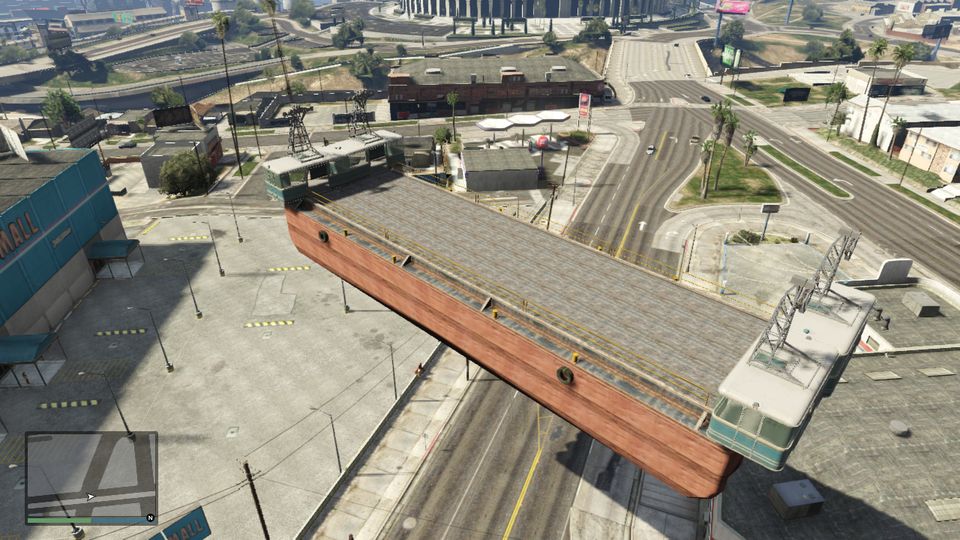 base
base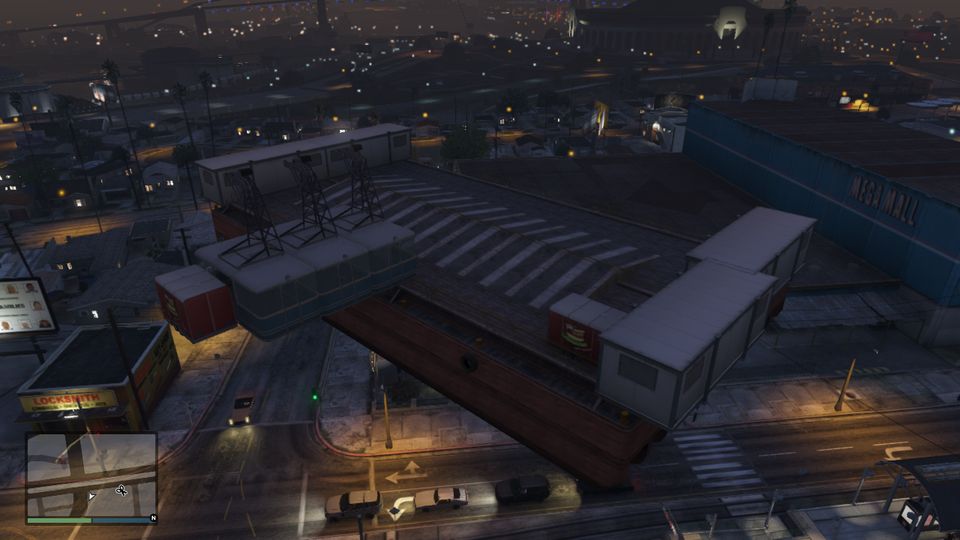 base2
base2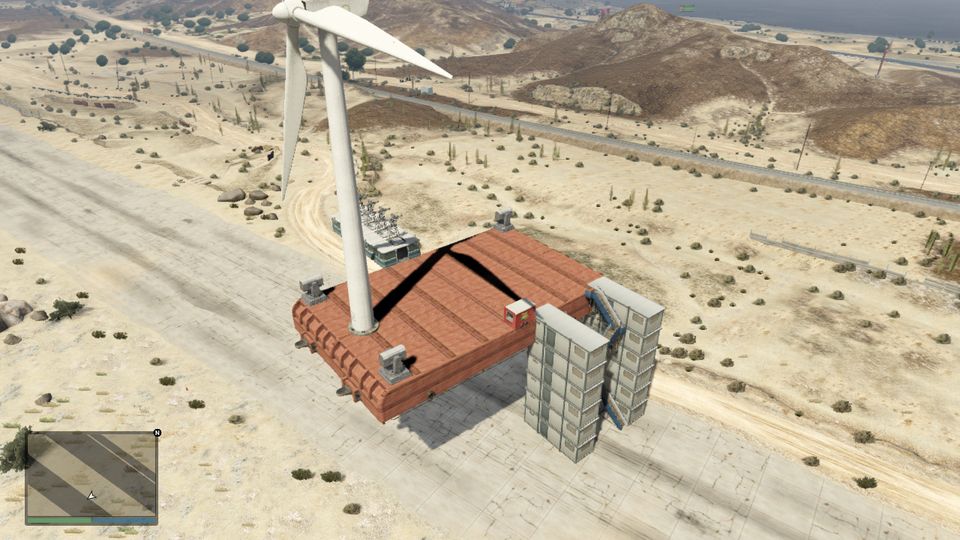 base3
base3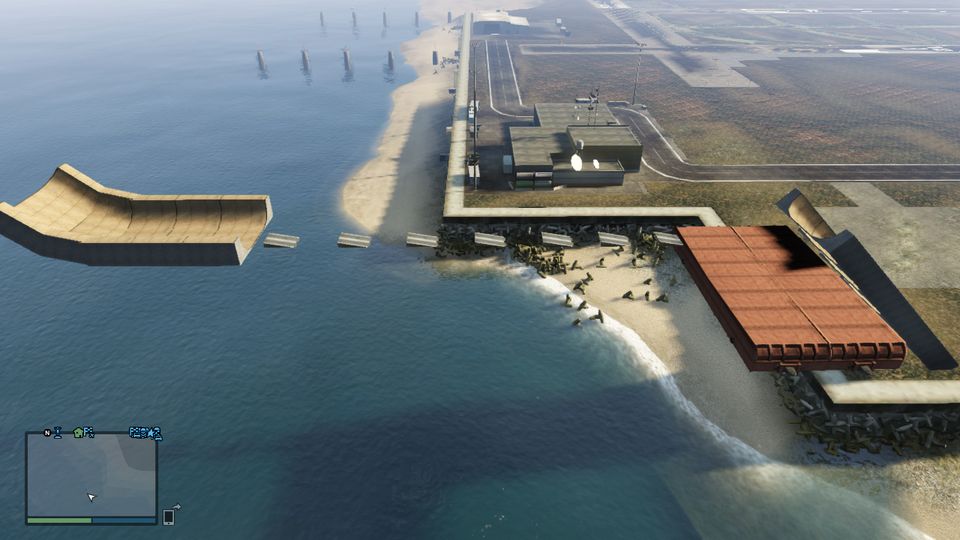 carkour
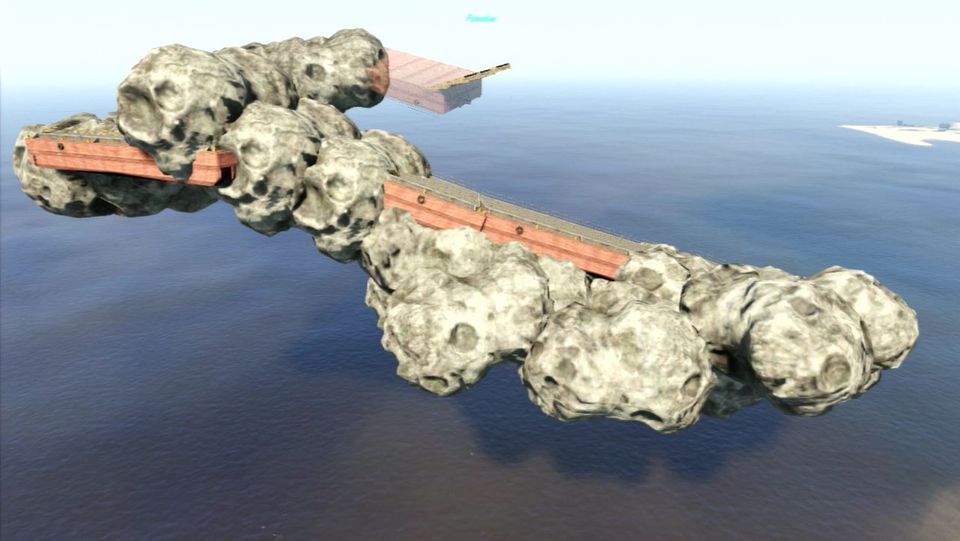 dirtbike
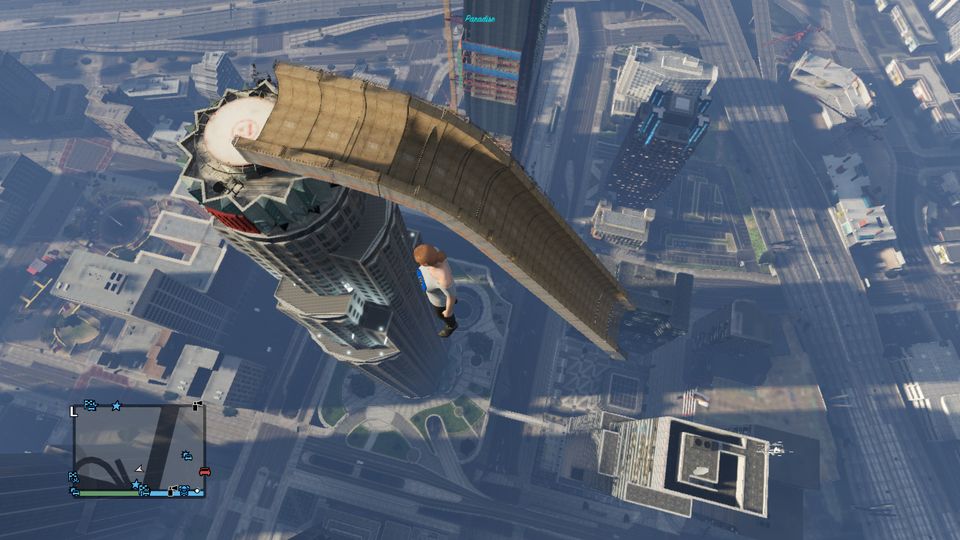 mazeramp
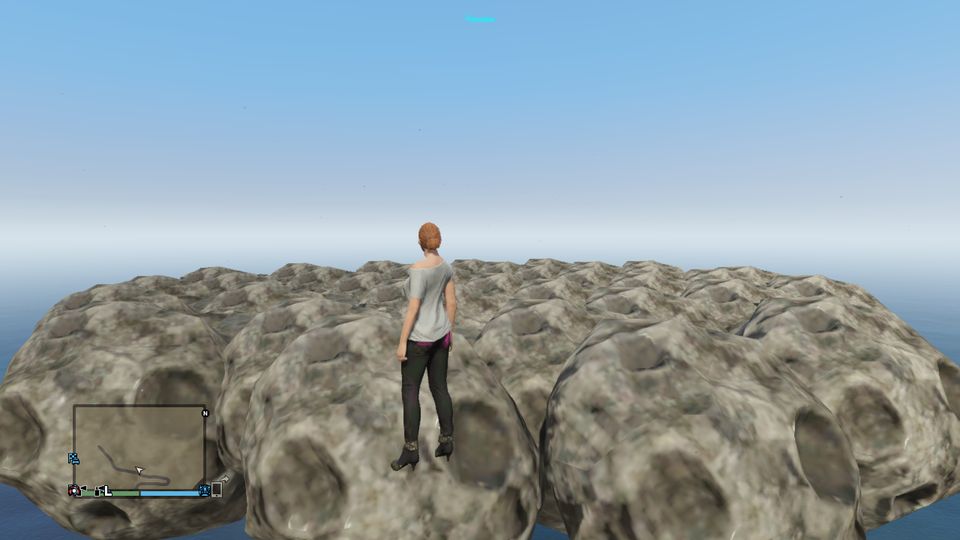 planet